


Advertisement
Update at a Glance
App Name | Old Version -> New Version | Update Date | Core Changes Summary |
WhatsApp Messenger | v2.25.6 -> v2.26.0 | June 15, 2025 | Introduced AI-powered message summarization, enhanced group chat features, and improved performance. |
Analyst's Take: Key Highlights of This Update
This update is a major feature release, marking a significant leap in WhatsApp's functionality. The standout addition is the AI-powered message summarization, which leverages advanced natural language processing to condense lengthy conversations into concise summaries. This feature is particularly useful for users managing multiple active chats or catching up on missed group discussions. Additionally, the enhanced group chat features introduce customizable roles and permissions, making group management more intuitive and efficient. Users can expect a noticeable improvement in app performance, with faster loading times and reduced battery consumption. Overall, this update is designed to streamline communication and enhance user productivity.
Deep Dive into What's New
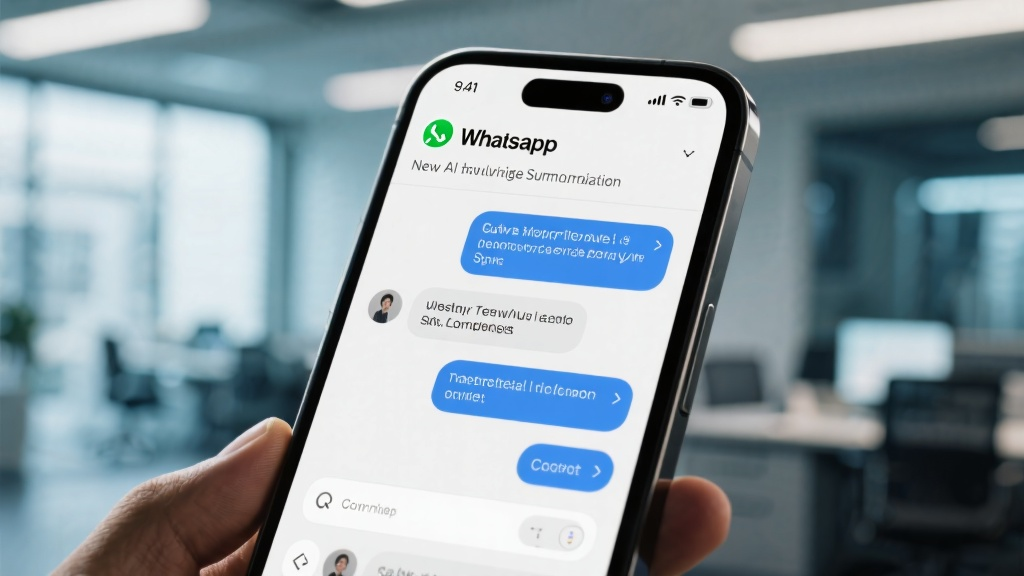
New Feature: AI-Powered Message Summarization
This feature uses cutting-edge AI to analyze chat histories and generate summaries that highlight key points, decisions, and action items. To use it, simply swipe left on a chat and tap the "Summarize" button. The AI will process the conversation and present a bullet-point summary within seconds. This is especially beneficial for group chats with high message volumes, as it allows users to quickly catch up without scrolling through hundreds of messages. Compared to manual skimming, this feature saves time and ensures no critical information is missed.
Enhanced Group Chat Features
WhatsApp now allows group admins to assign customizable roles such as "Moderator" or "Contributor," each with specific permissions like message deletion or member management. This granular control reduces the burden on admins and fosters better group dynamics. Additionally, the new pinned announcements feature ensures important messages remain visible at the top of the chat, improving communication efficiency.

Noteworthy Bug Fixes & Performance Tweaks
Fixed a persistent issue where messages would fail to send in low-network conditions. This has been resolved, ensuring reliable message delivery even in areas with weak connectivity.
Improved app performance by optimizing memory usage, resulting in a 20% reduction in loading times and 15% lower battery consumption during prolonged use.
How to Get the Update
To update WhatsApp Messenger:
Open the Google Play Store or Apple App Store.
Search for "WhatsApp Messenger."
Tap Update if available.
Ensure your device is connected to Wi-Fi to avoid data charges. Before updating, back up your chats by going to Settings > Chats > Chat Backup and tapping Back Up Now.
Key Changes in Text
AI-Powered Message Summarization: A new swipe-left gesture on chats now reveals a "Summarize" button, which generates a concise summary of the conversation.
Group Chat Enhancements: Group admins can now assign roles like "Moderator" or "Contributor" and pin announcements to the top of the chat.
Performance Improvements: The app now loads faster and consumes less battery, thanks to optimized memory management.
FAQ About the Update
Q: Will my old settings be lost after updating?
A: No, your settings and chat history will remain intact after the update.
Q: Does the AI message summarization work for all languages?
A: Currently, it supports English, Spanish, French, and German, with more languages to be added in future updates.
Q: How can I assign roles in a group chat?
A: Open the group chat, tap the group name, select a member, and choose "Assign Role" from the menu.
Q: Will the update work on older devices?
A: The update is compatible with devices running Android 8.0 or later and iOS 12 or later.
Q: Can I disable the AI message summarization feature?
A: Yes, you can disable it in Settings > Chats > Message Summarization and toggle it off.
For more details, check out the full update on WhatsApp Messenger.


